Home > Resources > Small Business Tech > Backups and basic cyber security
Backups and basic cyber security
Simple steps to protect your files, devices and accounts. A practical guide to backing up your business and improving everyday cyber security without making it complicated.
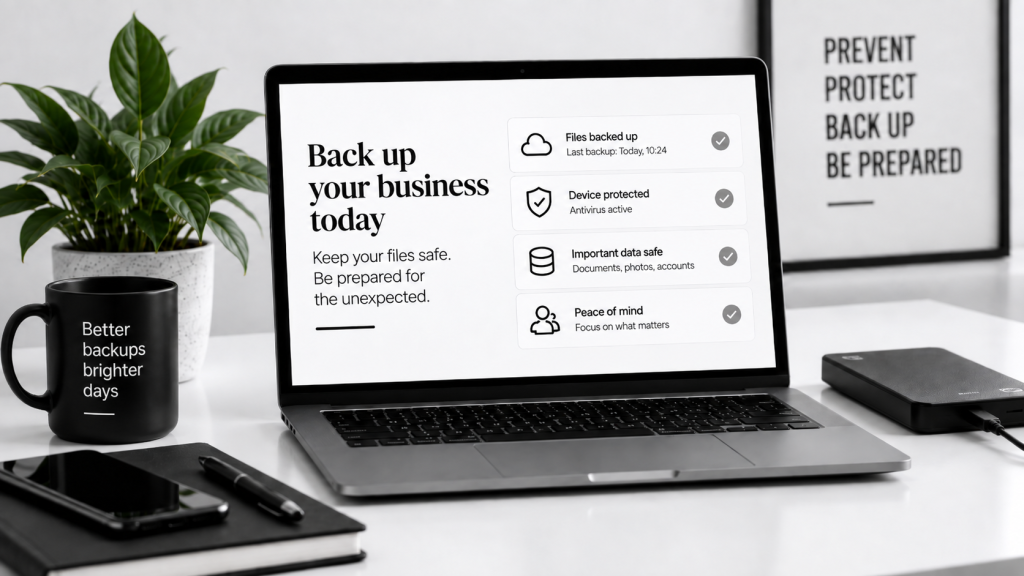
Protect your files
Keep important documents safe if something goes wrong.
Reduce disruption
Recover faster from device failure, mistakes or attacks.
Stay organised
Know what is backed up and where it lives.
Build trust
Show clients and customers you take security seriously.
What does this cover?
Backups and cyber security work together. Backups help you recover data, while basic security reduces the chance of losing it in the first place.
Backups
Copies of your important files and systems.
Passwords
Use strong, unique passwords and a password manager.
Devices
Keep computers and phones updated and protected.
Access
Control who can view, edit or download important files.
The 3-2-1 backup rule
1
3 copies
Keep the original and at least two backups.
2
2 types of storage
For example cloud storage and an external drive.
3
1 off-site copy
Store one backup somewhere separate from your main device.
You do not need an enterprise setup. A simple routine is far better than no backup at all.
Common risks
| Risk | What can happen | Simple prevention |
|---|---|---|
| Lost or stolen laptop | Can expose files and disrupt work | Use device passwords, encryption and cloud sync. |
| Accidental deletion | Important files removed by mistake | Use version history and regular backups. |
| Hardware failure | Files become inaccessible | Back up to cloud and external storage. |
| Phishing email | Accounts or payments can be compromised | Be cautious with links and verify unusual requests. |
| Weak passwords | Easy access for attackers | Use unique passwords and 2FA. |
Basic cyber security checklist
Turn on automatic updates.
Use a password manager.
Enable two-factor authentication.
Back up files regularly.
Limit admin access.
Check sharing permissions.
Common mistakes to avoid
Assuming cloud storage is the same as backup.
Reusing the same password across accounts.
Ignoring software updates.
Never testing your backups.
Giving more access than people need.
Useful tools and services
Google Drive or OneDrive
Cloud storage with sync and version history.
External hard drive
A simple extra layer for local backup.
Password manager
Store and manage strong passwords securely.
Two-factor authentication app
Add an extra step to protect logins.
Let’s work together on your
next web project
Every project is a journey, and we are here to guide you every step of the way.