Home > Resources > Small Business Tech > Booking and appointment systems
Booking and appointment systems
A practical guide to choosing booking software for appointments, consultations, classes and services. Understand the main options, useful features and what to check before you choose a system.
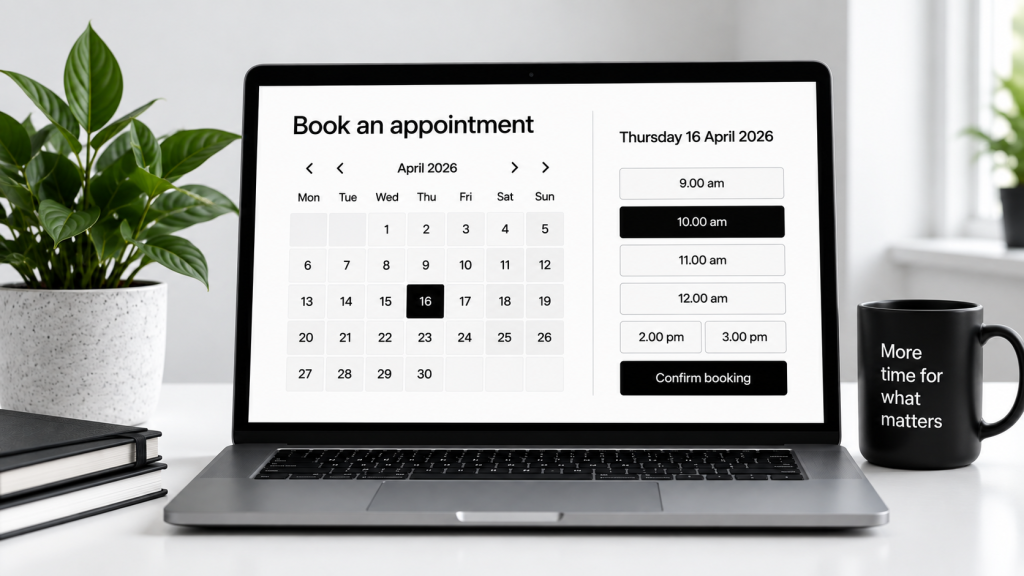
What are booking and appointment systems?
Booking systems let customers choose a time, book online and receive confirmations automatically. They can reduce admin, cut down back-and-forth messages and help you stay organised.
Take bookings
Let people book online at any time.
Save time
Reduce manual scheduling and admin.
Stay organised
Keep appointments, notes and customer details in one place.
Reduce no-shows
Use reminders and confirmations automatically.
Common uses
Appointments
For consultations, one-to-one services and meetings.
Classes
For workshops, group sessions and recurring events.
Calls
For phone or video appointments with set availability.
Service bookings
For treatments, sessions or time-based services.
Popular automation examples
| Tool | Best for | Key features | Free plan | Paid plans from (approx.) |
|---|---|---|---|---|
| Calendly | Meetings and simple scheduling | Booking links, calendar sync, reminders | Yes | £8/month |
| Acuity Scheduling | Service businesses | Intake forms, payments, packages | No | £16/month |
| SimplyBook.me | Appointments and classes | Booking website, reminders, payments | Yes | £8/month |
| Square Appointments | Solo businesses and salons | Calendar, payments, customer records | Yes | £12/month |
| Setmore | Small businesses and teams | Online booking, reminders, staff calendars | Yes | £5/month |
Prices are approximate and may change. Check each provider’s website for the latest details.
Key features to look for
Calendar sync
Avoid double-bookings by connecting your calendar.
Automated reminders
Send email or text reminders before appointments.
Online payments
Take deposits or full payment at the point of booking.
Availability rules
Set your working hours, buffers and blackout dates.
Forms and notes
Collect booking details before the appointment.
Mobile access
Manage bookings easily on the go.
How to choose the right system
Think about how your business works day to day.
Do you need one-to-one bookings, classes or both?
Will you take payment or deposits online?
Do you need staff calendars or just one diary?
Does it work with your website and email tools?
Will customers find it easy to use?
Can it grow with your business?
Common mistakes to avoid
Choosing a tool with more features than you need
Not checking the customer booking experience
Forgetting to test reminders and confirmations
Ignoring cancellation and rescheduling settings
Not checking transaction or payment fees
Let’s work together on your
next web project
Every project is a journey, and we are here to guide you every step of the way.