Home > Resources > Small Business Tech > Card payment options explained
Card payment options explained
A practical guide to taking card payments as a small business. Understand the main options, typical costs and what to look out for beofre you choose a setup.
What are your main options?
Card readers
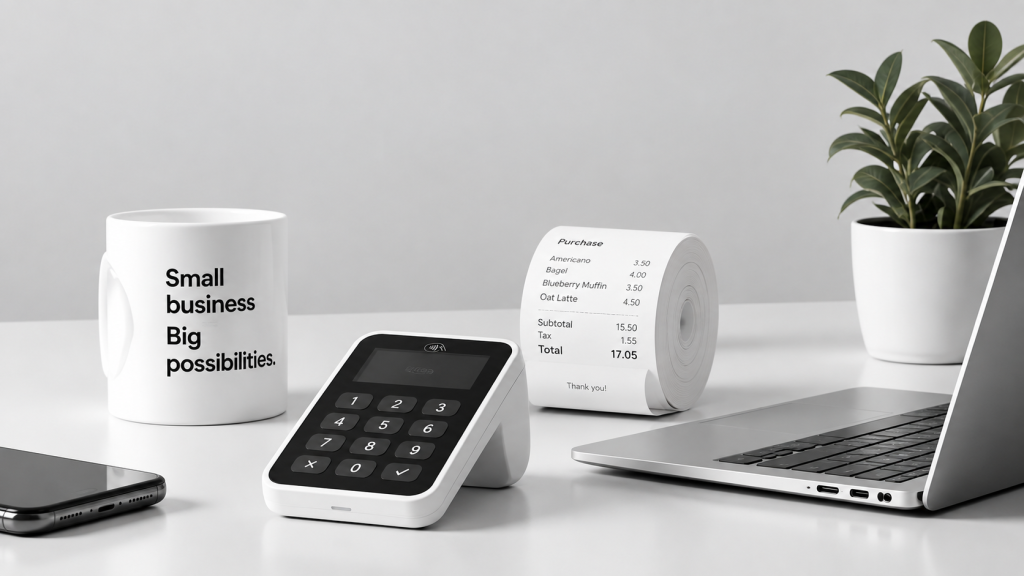
Portable devices to taking in-person payments at stalls, markets, events or in store.
Payment links
Send a secure link by email, text or message so customers can pay remotely.
Online checkout
Take payments through your website using a checkout page or e-commerce system.
Invoices
Add payment options to invoices so clients can pay quickly and easily.
How they compare
| Option | Best for | Pros | Things to watch out for |
|---|---|---|---|
| Card Readers | In-person sales | Quick and familiar for customers | Hardware cost and transaction fees |
| Payment links | Remote one-off payments | Fast to send and easy to use | Depends on customers completing the payment online |
| Online checkout | Websites and online shops | Smooth digital sales process | Needs setup and website integration |
| Invoices | Service-based businesses | Professional and easy to track | Can be slower if customers delay payment |
Typical costs to expect
Transaction fees
A small percentage per sale, sometimes with a fixed fee.
Hardware
Some providers charge for the card reader or terminal.
Monthly fees
Some plans include subscriptions for extra tools or reporting.
Payout timing
Check how quickly the money reaches your bank account.
What to check before you choose
Ask yourself these questions before signing up to a card payment provider.
- Do you need to take payments mainly in person or online?
- Will you need a card reader, payment links, or both?
- Are the transaction fees clear and sustainable?
- How quickly are payouts made to your bank?
- Does it work with your invoicing, website or accounting tools?
- Is there support if something goes wrong during a sale?
Common mistakes to avoid
Choosing on price alone
The cheapest fee is not always the best fit if the system is clunky or unreliable.
Ignoring payout times
Cash flow matters, especially for small businesses.
Not checking integration
Make sure the system works with the tools you already use.
Let’s work together on your
next web project
Every project is a journey, and we are here to guide you every step of the way.