Home > Resources > Small Business Tech > Online forms for small businesses
Online forms for small businesses
Online forms help you collect enquiries, bookings, registrations, feedback and customer information in a simple, organised way. They save you time, reduce admin and make it easier to stay on top of your business.
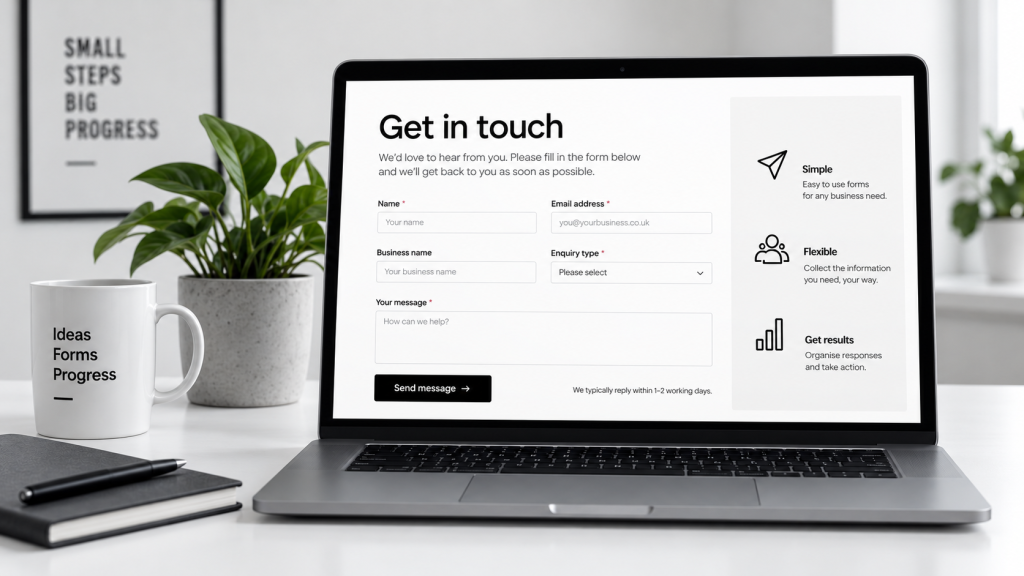
What are online forms?
Online forms are digital forms that people can fill in on your website or via a shared link. The information is sent to you automatically, helping you collect and manage data in a structured and secure way.
Collect
Gather the information you need, from enquiries to bookings.
Organise
Keep all responses in one place, neatly structured.
Save time
Automate the process and spend less time on admin.
What can you use them for?
Contact forms
Let people get in touch with questions, project enquiries or general messages.
Bookings
Take appointments or service bookings without the back and forth.
Registrations
Collect sign ups for events, courses, newsletters or memberships.
Feedback
Ask for customer feedback, reviews or suggestions to help you improve.
Popular form tools (comparison)
| Tool | Best for | Key features | Free plan | Paid plans from (approx.) |
|---|---|---|---|---|
| Google Forms | Simple, no-fuss forms | Easy to use, integrates with Google Sheets | Yes | £5/month (Google Workspace) |
| Jotform | Feature-rich forms | Drag and drop builder, many templates, integrations | Yes | £24/month |
| Typeform | Engaging, conversational forms | Beautiful design, conditional logic, integrations | Yes | £21/month |
| Tally | Simple, flexible forms | Clean interface, unlimited forms, no code | Yes | £16/month |
| Microsoft Forms | Teams and Microsoft users | Easy to use, integrates with Microsoft 365 | Yes | £4/month (Microsoft 365) |
Key features to look for
Custom fields
Collect the specific information you need.
File uploads
Let people attach files, such as documents or images.
Notifications
Get an email (or other alert) when someone submits a form.
Integrations
Connect with your other tools like email, CRM or spreadsheets.
Mobile friendly
Make sure forms work well on all devices.
Response tracking
View and analyse responses easily.
How to create a good form
Ask only what you need – Keep it short and relevant.
Keep wording clear – Use simple, straightforward language.
Group questions logically – Make it easy to follow.
Make required fields obvious – Help people complete the form.
Test it on mobile – Check it works well on smaller screens.
Set a confirmation message – Let people know their response has been received.
Common mistakes to avoid
Asking for too much information.
Making forms too long.
Forgetting to set up email notifications.
Not testing the form before sharing it.
Using unclear or missing privacy wording.
Let’s work together on your
next web project
Every project is a journey, and we are here to guide you every step of the way.