Home > Resources > Small Business Tech > Simple business automations
Simple business automations
Save time, reduce repetitive tasks and focus on what matters. A practical guide to automating everyday processes in your business.
What is business automation?
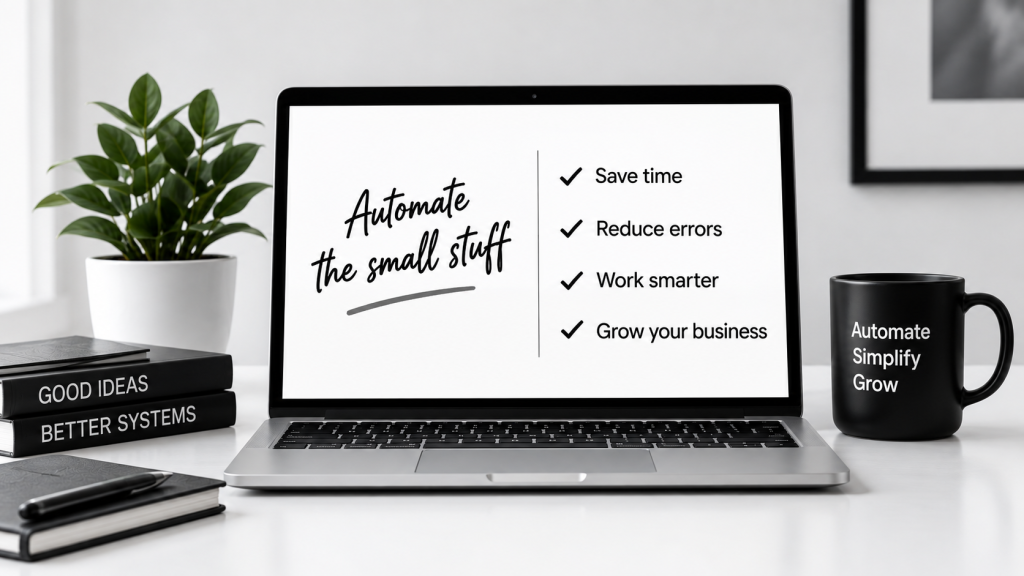
Business automation uses software to carry out repetitive tasks automatically, so you can save time, reduce errors and focus on growing your business. It can be as simple as sending a welcome email, to more advanced workflows that connect multiple apps.
Save time
Let the tools do the repetitive work.
Reduce errors
Keep things consistent.
Improve customer experience
Respond faster and stay organised.
Scale with ease
Do more without adding to your workload.
How does it work?
01 Choose a trigger
Something happens (e.g. a form is submitted).
02 Set an action
The tool automatically does the next step (e.g. send an email).
03 Connect your apps
Link the tools you use (e.g. Google Forms, Gmail, CRM, spreadsheets).
04 Let it run
Once set up, it works in the background, saving you time.
Popular automation examples
| Task | What happens | Tools you could use |
|---|---|---|
| New enquiry form | Automatically send a thank you email and add the contact to your CRM or spreadsheet. | Google Forms + Gmail + Google Sheets |
| New customer signup | Send a welcome email and share useful resources. | Typeform + Mailchimp |
| Invoice reminder | Send automatic payment reminders. | QuickBooks + Email |
| Lead capture | Add new contacts from your website to your email list. | WordPress + Mailchimp |
| Social media scheduling | Automatically schedule posts in advance. | Buffer, Later or Metricool |
| File organisation | Save email attachments to the right folder. | Zapier or Make + Google Drive |
How to create a good form
Start with one simple automation.
Focus on a task that takes up a lot of your time.
Use tools you already work with.
Test your workflow before relying on it.
Keep it simple – you can always build on it later.
Review and update your automations regularly.
Common mistakes to avoid
Trying to automate everything at once.
Using tools that are more complex than you need.
Not testing your workflow.
Forgetting to update automations when things change.
Not keeping an eye on your data and privacy settings.
Relying on automations without checking they’re working.
Useful tools for business automations
Let’s work together on your
next web project
Every project is a journey, and we are here to guide you every step of the way.