Home > Resources > Running the business > Tools to help you work smarter
Tools to help you work smarter
A practical guide to choosing simple tools that save time, reduce admin, keep work organised and support a smoother business workflow.
Choose tools that make the work easier
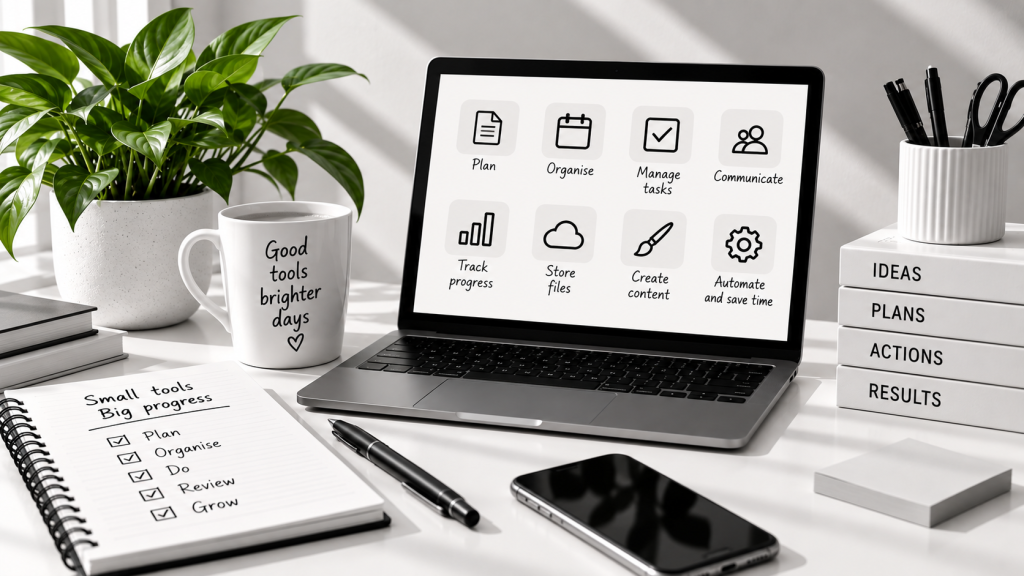
You do not need dozens of apps. A small set of useful tools can help you work more efficiently, reduce admin and keep everything in one place.
Save time and focus on what matters
Stay organised and find things quickly
Communicate clearly with clients and collaborators
Reduce manual tasks with automation
1. Start with the essentials
Email & calendar
Manage your emails, meetings and appointments in one place.
Task management
Keep track of your to-dos and deadlines.
File storage
Store and access your files securely from anywhere.
Notes & documents
Capture ideas, create documents and keep important information within easy reach.
2. Add tools for the way you work
Choose additional tools based on your specific needs. Here are some common examples to consider.
| Need | Useful tool type | What it helps you with |
|---|---|---|
| Invoicing and bookkeeping | Accounting or invoicing software | Create invoices, track payments and manage expenses. |
| Scheduling and bookings | Calendar or booking tool | Let clients book time, manage availability and send reminders. |
| Design and content | Design and content creation tools | Create graphics, edit images and produce content for your website and social media. |
| Customer management | CRM (customer relationship management) | Keep track of contacts, conversations and opportunities. |
| Passwords and security | Password manager | Store passwords securely and keep your accounts safe. |
| Automation | Automation and integration tools | Connect your apps and automate repetitive tasks. |
3. Choose tools carefully
Not every tool will be right for your business. Take time to compare your options and choose tools that fit your needs now and in the future.
Good signs
Easy to use and straightforward to set up.
Fits your workflow and genuine needs.
Affordable and good value for money.
Works well on mobile and across devices.
Integrates with other tools you use.
Watch out for
Too many overlapping tools that do the same thing.
Hidden costs or high renewal fees.
Overcomplicated setup and steep learning curves.
Features you will never use.
Poor customer support.
4. Set things up simply
Keep your setup straightforward so you can get started quickly and see the benefits.
1. Choose only what you need
Start with the essentials and add more tools as your business grows.
2. Organise folders and naming
Set up a clear structure for your files and keep naming consistent.
3. Create templates and routines
Use templates and recurring tasks to save time.
5. Review and improve
Check regularly what’s working and make small changes as needed.
5. Keep control of your tools
A little maintenance goes a long way. Keep track of key details so your tools continue to support your business.
| Logins | Keep a record of account email addresses and a secure note of how to reset access. |
| Subscriptions | Know what you are paying for, when it renews and whether you still need it. |
| Backups | Make sure your important files and data are backed up regularly. |
| Permissions | Manage who has access to your accounts and remove access when it’s no longer needed. |
| Renewals | Set reminders for upcoming renewals so you can review costs or make changes. |
Keep it practical
Tools should support your business, not distract you from the real work. Choose a simple setup, keep it organised and review it regularly.
A simple tools checklist
Use this checklist to make sure you have the right tools in place and are getting the most from them.
I know which tools I use most.
My files are organised.
My key systems are backed up.
I can find information quickly.
I am not paying for unnecessary tools.
My passwords are stored securely.
My regular tasks have a simple process.
I review my tools regularly.
Related guidance in Running the Business includes Streamline your workflow, Keep on top of your finances and Invoicing and getting paid.
Let’s work together on your
next web project
Every project is a journey, and we are here to guide you every step of the way.